Themes
Transform the visual appearance of your status page with a professionally designed theme.
Eclipse Theme
Eclipse is LIVCK's default theme — a modern, polished design with a consistent zinc color palette and smooth animations.
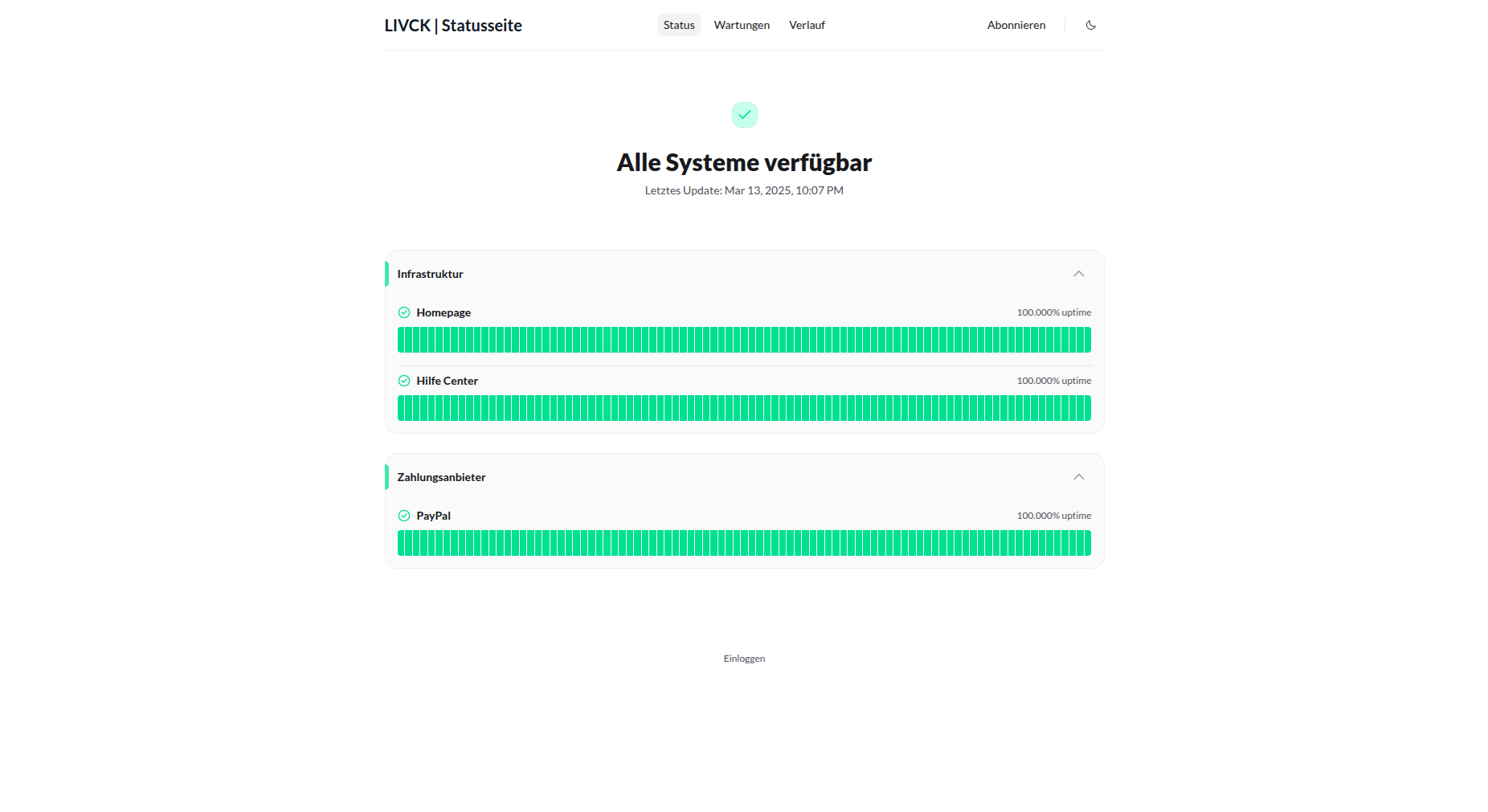
Features:
- Modern visual design with zinc color tones
- Smooth view transitions with expanding circle effect
- Dark & light mode with animated toggle
- Advanced animations for modals, dropdowns, and accordions
- Responsive across all devices
LIVCK is currently focusing exclusively on the Eclipse theme to ensure every feature gets the quality it deserves. Multi-theme support may return in a future update.
Theme Toggle
The switch between light and dark mode uses the View Transition API for a smooth "expanding circle" effect:
- Clicking the theme toggle expands a circle from the click point, revealing the new color scheme
- Duration: 0.5 seconds
- Automatically disabled when "Reduce Motion" is enabled in system settings
- Browsers without View Transition API show an instant switch
The toggle slider smoothly glides between sun and moon icons.
Animations
Eclipse includes carefully designed animations throughout:
- Modals: Fade and scale effect on open
- Dropdown menus: Scale animation on open and close
- Accordions: Smooth expand and collapse
- Links & buttons: Color transitions on hover
All animations respect the user's "Reduce Motion" system preference.
Dark Mode Support
Eclipse includes automatic dark mode support:
- Detects user's system preference
- Smooth theme transitions via the theme toggle
- Optimized contrast for readability
- Consistent branding across modes
Customization
While the theme provides a complete design foundation, you can further customize:
- Logo and branding
- Colors and accents
- Custom CSS (if enabled)
- Fonts and typography
See Customization & Branding for detailed customization options.
Troubleshooting
Theme Not Applying
- Clear browser cache and refresh
- Check that settings were saved
- Verify no custom CSS is overriding theme styles
- Try a different browser to rule out cache issues
Visual Issues
- Hard refresh the page (Ctrl+Shift+R or Cmd+Shift+R)
- Clear browser cache completely
- Check custom CSS for conflicts
- Verify logo/images are compatible with the theme
Dark Mode Not Working
- Check browser/system dark mode settings
- Clear cache and reload
- Test in incognito/private browsing mode
Additional Resources
- Customization & Branding - Further customize your theme
- Private Page - Secure your status page